
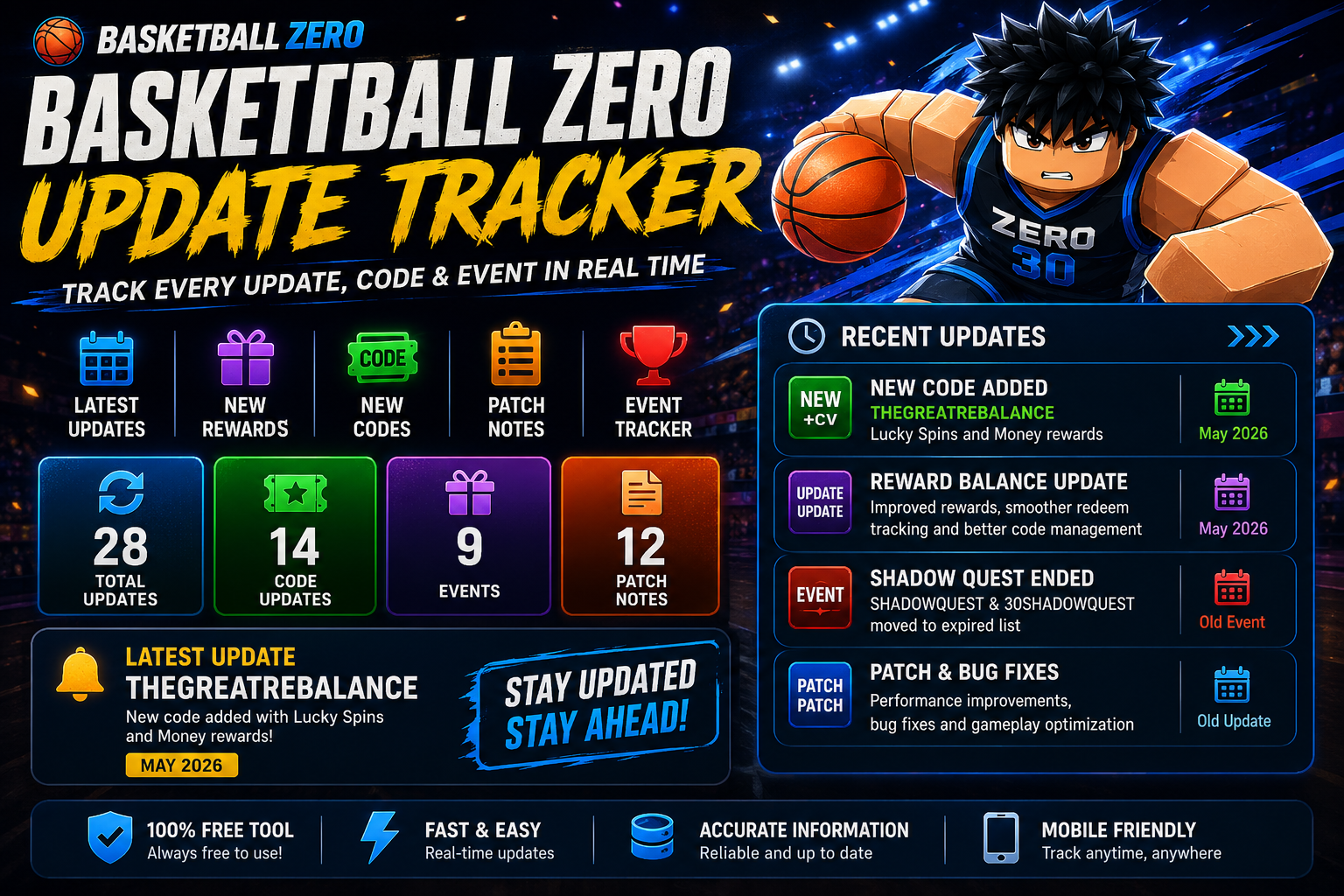
Basketball Zero Update Tracker
The Basketball Zero Update Tracker helps players keep up with new game changes, patch notes, events, rewards, and redeem codes in one simple place. Instead of checking different sites every day, players can use the tracker to see recent updates and important announcements more quickly.
This tool is useful for both new and regular players who want to stay informed without wasting time. It can help you follow gameplay changes, event rewards, balance updates, and new code drops after major releases. With a clean and mobile-friendly layout, the tracker makes it easier to find the latest information whenever you need it.
Basketball Zero Update Tracker
Track latest Basketball Zero updates, new codes, rewards, events, and patch notes in one clean tool.
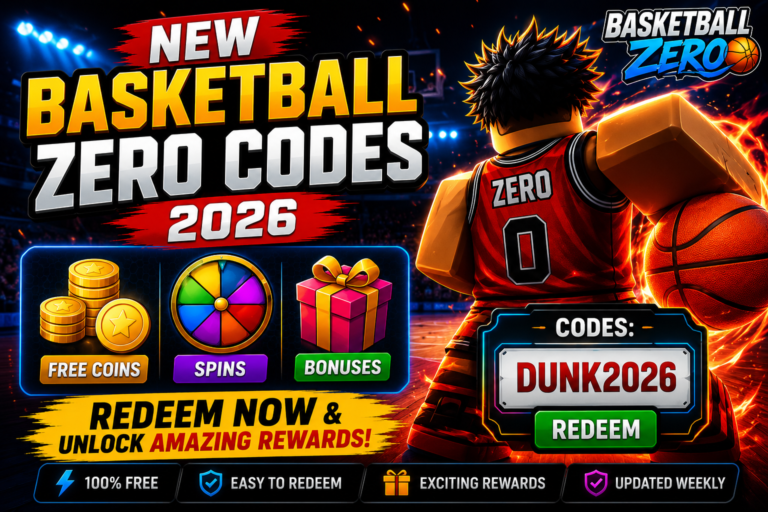
New Basketball Zero Code Added
THEGREATREBALANCE is listed as the latest working code with Lucky Spins and Money rewards.
How the Basketball Zero Update Tracker Works
- The Basketball Zero Update Tracker helps players follow new game changes, patch notes, rewards, and redeem codes in one easy place.
- Players can use the tracker to check recent updates, seasonal events, reward drops, and important gameplay changes without searching different pages.
- The tool makes it easier to find newly released redeem codes and bonus rewards after major game updates.
- Patch notes can be organized by update version, helping users browse older changes and understand what was added or fixed.
- Players can compare past gameplay changes with newer balance updates to see how the game has improved over time.
- The tracker works smoothly on mobile phones, tablets, laptops, and desktop devices, making it easy to check updates anytime.
Main Features of the Basketball Zero Update Tracker
The Basketball Zero Update Tracker includes useful features for update tracking, reward management, patch note organization, seasonal event history, and faster browsing online. It helps players follow important Basketball Zero updates in one place without checking many different websites every day.
1. Latest Basketball Zero Update Tracking
This feature helps players follow the latest Basketball Zero updates quickly and easily. Whenever new gameplay changes, developer announcements, event releases, or balance updates appear, users can check them inside one organized tracker instead of searching across multiple gaming websites online.
It is helpful for new and experienced players because they can stay informed about important game changes, reward drops, and seasonal updates. Faster update tracking saves time and gives Basketball Zero players a simple way to understand what changed after each major update.
2. New Redeem Code Alerts
The redeem code alert feature helps players find new Basketball Zero redeem codes after updates, seasonal events, and special reward drops. Players can check newly added rewards such as Lucky Spins, Money rewards, boosts, and other redeem gifts before they expire.
This feature is useful during limited-time events because many codes do not stay active for long. With faster reward tracking, users can claim bonuses earlier and avoid missing important Basketball Zero rewards shared during major update releases online.
3. Organized Patch Notes and Gameplay Changes
The patch notes section keeps Basketball Zero gameplay changes, bug fixes, balance updates, and improvement details in clean readable sections. Instead of reading confusing or scattered update information, players can quickly understand what was added, fixed, changed, or improved.
Organized patch notes also help users compare older game mechanics with the latest gameplay improvements. This makes it easier to see how characters, skills, rewards, and match features change across different Basketball Zero update versions.
4. Seasonal Event and Reward History
The update tracker can store previous Basketball Zero event rewards, seasonal bonuses, redeem rewards, and update history in organized archives. This helps players look back at older events and understand which rewards were available during past seasonal updates.
Players can use this history to compare event changes, track old reward patterns, and see how the game content has changed over time. It also makes the tracker more useful for users who want a clear record of Basketball Zero rewards and event updates worldwide.
5. Mobile-Friendly Update Dashboard
The Basketball Zero Update Tracker uses a mobile-friendly dashboard that works smoothly across Android phones, tablets, laptops, and desktop devices. Players can check updates, rewards, patch notes, and redeem codes with a clean layout and simple navigation.
A fast and responsive dashboard improves browsing speed and readability, especially for users who check updates from mobile devices. This makes it easier for Basketball Zero players to stay updated online without dealing with slow pages or messy content.
6. Fast Search and Update Filtering System
The search and filtering system helps players find Basketball Zero updates quickly using keywords, event names, reward details, or patch note information. Instead of scrolling through long update lists, users can search for the exact update or reward they need.
This feature improves convenience for beginners and regular players. It makes update tracking easier, helps users find old and latest balance changes faster, and gives a cleaner browsing experience for Basketball Zero players online.
How To Use the Basketball Zero Update Tracker
Using the Basketball Zero Update Tracker is simple and helps players follow the latest game updates, patch notes, redeem rewards, and seasonal events more easily online. The tool is made for quick browsing, so users can check important Basketball Zero information from any device without wasting time.
1. Open the Basketball Zero Update Tracker
Start by opening the Basketball Zero Update Tracker on your mobile phone, tablet, laptop, or desktop browser. Since the dashboard is mobile-friendly, players can view update details, rewards, and patch notes comfortably from almost any device.
This makes the tool useful for users who want fast access to Basketball Zero updates without switching between different gaming pages. A clean layout also helps beginners understand where to find new information quickly.
2. Check the Latest Basketball Zero Update Section
After opening the tracker, visit the latest Basketball Zero update section. This area usually includes new redeem rewards, gameplay changes, event releases, balance updates, and important announcements connected to recent game updates.
Checking this section regularly helps players stay aware of new changes before they miss limited-time rewards. It is also useful for tracking seasonal events and newly released bonuses after major updates.
3. Read Basketball Zero Patch Notes Carefully
The patch notes section helps users understand what changed after each update. Players can read about bug fixes, balance changes, new features, reward changes, and gameplay improvements in a more organized way.
Reading Basketball Zero patch notes carefully is important because small changes can affect how characters, skills, styles, zones, and rewards work in matches. This helps players adjust their strategy instead of playing with outdated information.
4. Search Basketball Zero Update History
Players can use the search feature to find older Basketball Zero update history by entering event names, version numbers, reward keywords, or patch note details. This saves time because users do not need to scroll through long update lists manually.
The search and filtering system is helpful when players want to check past redeem rewards, compare old events, or find details about a specific gameplay change. It makes update tracking faster and cleaner for both new and regular players.
5. Compare Old Updates With Latest Changes
The tracker also helps players compare previous Basketball Zero updates with the latest seasonal changes, redeem bonuses, and balance updates. This is useful for understanding how the game has changed over time.
By comparing old and new updates, players can see which rewards were added, which gameplay features changed, and how different events affected the game. This gives users a better idea of what to expect in future updates.
6. Bookmark Trusted Basketball Zero Update Trackers
For faster access, players should bookmark trusted Basketball Zero update trackers. This makes it easier to return later and check new rewards, upcoming event announcements, fresh redeem codes, and latest patch notes.
Bookmarking saves time and helps users avoid outdated or fake update information. It also gives Basketball Zero players one simple place to follow future rewards and game changes online.
Why Players Use a Basketball Zero Update Tracker
- Basketball Zero players use update trackers to check news faster, follow reward updates, and manage gameplay changes more easily in one place.
- Players can quickly find the latest Basketball Zero redeem rewards released during seasonal updates, special events, and limited-time game announcements.
- The tracker helps users understand Basketball Zero gameplay changes after balance updates, patch notes, bug fixes, and newly added features.
- Players can compare older Basketball Zero updates with the latest features to see how rewards, game modes, characters, and gameplay systems have improved over time.
- Mobile-friendly Basketball Zero trackers make browsing smoother across Android phones, tablets, laptops, and desktop devices.
- Users can avoid missing important Basketball Zero announcements, event rewards, developer updates, and new redeem code releases during seasonal events.
- Organized Basketball Zero update history helps both beginners and experienced players track game progress, past changes, rewards, and future update patterns more efficiently.
Tips To Follow Basketball Zero Updates Faster
- Players can track Basketball Zero updates more efficiently by using trusted update trackers, organized patch notes, and reward history tools in one place.
- Bookmark trusted Basketball Zero update tracker websites for faster access to the latest rewards, redeem codes, patch notes, and event announcements.
- Check Basketball Zero update pages regularly because developers may release new events, redeem rewards, balance changes, and gameplay improvements after major updates.
- Compare older Basketball Zero patch notes with the latest updates to understand gameplay changes, bug fixes, reward adjustments, and balance improvements more clearly.
- Follow Basketball Zero gaming communities where players share update news, event rewards, redeem information, patch note discussions, and gameplay tips.
- Use mobile-friendly Basketball Zero tracking tools for smoother browsing across phones, tablets, laptops, and desktop devices.
- Search Basketball Zero update history carefully to track previous seasonal rewards, older gameplay changes, past events, and update patterns more easily.
Frequently Asked Questions
What is the Basketball Zero Update Tracker?
The Basketball Zero Update Tracker is a simple tool that helps players follow the latest game updates, redeem rewards, patch notes, seasonal events, and gameplay changes in one place. It saves time by keeping important update information organized instead of making users check different pages again and again.
Does the Basketball Zero Update Tracker show new redeem codes?
Yes, the tracker can help players find newly released redeem codes, Lucky Spins bonuses, reward drops, and event-based gifts after updates. This makes it easier to claim rewards before they expire, especially during limited-time events and major game releases.
Can I check old Basketball Zero updates?
Yes, players can use the update history section to check older Basketball Zero patch notes, previous gameplay changes, seasonal events, and past reward details. This is useful for comparing older updates with new changes and understanding how the game has improved over time.
How often does the Basketball Zero Update Tracker update?
Most update trackers refresh when new game patches, developer announcements, seasonal events, balance changes, or redeem rewards are released. Checking the tracker regularly helps players stay aware of fresh updates and avoid missing important rewards.
Is the Basketball Zero Update Tracker mobile-friendly?
Yes, a good Basketball Zero Update Tracker should work smoothly on Android phones, iPhones, tablets, laptops, and desktop devices. A mobile-friendly layout makes it easier for players to check updates, patch notes, and rewards from any device.
Can beginners use the Basketball Zero Update Tracker easily?
Yes, beginners can use the tracker easily because it uses simple navigation, clean sections, and organized update details. New players can quickly find redeem codes, recent updates, patch notes, and event rewards without needing technical knowledge.
Final Thoughts
The Basketball Zero Update Tracker is useful for players who want quick access to game updates, redeem rewards, patch notes, and seasonal event details. Instead of searching through multiple websites, users can check the latest Basketball Zero events, gameplay changes, balance updates, and newly released rewards in one organized place.
A clean and mobile-friendly tracker also makes browsing easier across phones, tablets, laptops, and desktop devices. Whether you want to follow seasonal events, compare older updates, check reward history, or find new redeem bonuses, using a trusted Basketball Zero update tracker can save time and help you stay informed about future game changes.
Hi, this is a comment.
To get started with moderating, editing, and deleting comments, please visit the Comments screen in the dashboard.
Commenter avatars come from Gravatar.